

This page tracks what Microsoft has actually shipped in Windows 11’s 25H2 and 26H1 updates, added to as real features roll out rather than rewritten from scratch each time. If you’re trying to understand what’s genuinely new in your current Windows 11 install, separate from Windows 12 speculation entirely, this is meant to be your reference point going forward.
Entries are organized by update, most recent additions first within each section.
Windows 11 version 25H2

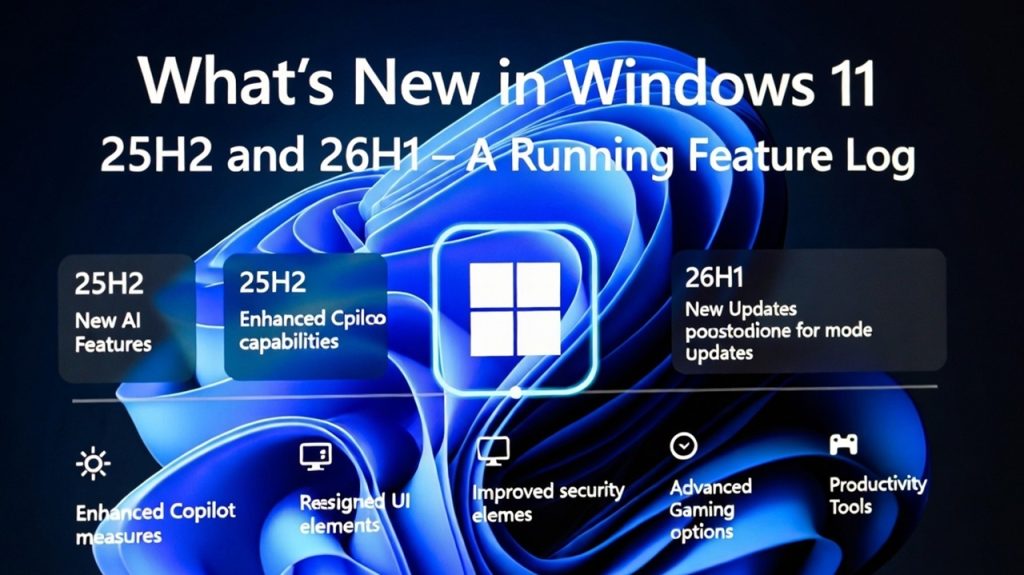
Movable taskbar. After years of the taskbar being locked to the bottom of the screen (a change from Windows 10’s flexibility that frustrated a lot of longtime users), Microsoft restored the ability to reposition it, giving users back a customization option that had been missing since Windows 11’s original 2021 launch.
Low Latency CPU profile. A new performance profile aimed specifically at reducing the delay between clicking to open an app and the app actually launching. This targets a specific, commonly noticed friction point rather than being a broad, vague performance improvement, and it’s available without requiring Copilot+ hardware or any AI-specific subscription.
More granular update pause controls. Microsoft expanded the options for pausing updates, giving users finer control over exactly when feature and quality updates get applied, rather than the more limited pause windows available in earlier Windows 11 versions.
Continued Copilot expansion. Copilot’s integration across search, Settings, and file handling continued deepening throughout 25H2, building on groundwork laid in earlier updates rather than arriving as a single dramatic feature drop.
Sudo command support in Terminal. Windows 11 picked up a built-in sudo command, giving power users a more streamlined way to elevate privileges for a specific command without needing to relaunch an entire Terminal session as administrator, a small but genuinely useful quality-of-life change for anyone working frequently in the command line.
Windows 11 version 26H1
Scoped rollout to new devices. Unlike a typical broad feature update, 26H1 is specifically tied to new devices launching starting February 10, 2026, rather than rolling out universally to every existing Windows 11 24H2 or 25H2 machine. This has caused some genuine confusion, with people assuming the naming jump signaled something bigger than a standard update. We address that confusion directly in Windows 12 vs Windows 11 26H1: Is This Actually the Same Thing?, since it’s a common enough question to warrant its own dedicated breakdown.
Continued Copilot+ hardware ecosystem expansion. As new devices ship on 26H1, Microsoft has continued expanding the range of qualifying silicon for Copilot+ features beyond the original three chip families (Qualcomm Snapdragon X, Intel Core Ultra 200V, AMD Ryzen AI 300), with newer chip generations like Intel’s Panther Lake joining the qualifying hardware list.
Interface refinements building on 25H2’s changes. Further File Explorer and Settings refinements have continued rolling out as part of the ongoing update cadence, generally trending toward more contextual, AI-assisted interactions rather than a single dramatic visual overhaul.
Why this update cadence matters for Windows 12 speculation
A recurring pattern across 25H2 and 26H1 is worth naming directly: a meaningful share of the capabilities people have historically associated with an eventual “Windows 12” (deeper AI integration, interface refinements, performance improvements) have been arriving steadily inside Windows 11 rather than being held back for a future release. This is a genuinely useful data point if you’re trying to gauge Microsoft’s actual direction rather than relying on rumor sites. We break down this full pattern, sorted into confirmed, credibly rumored, and outright debunked claims, in Windows 12 Features: What’s Rumored, Confirmed, and Already in Windows 11.
How to check which version you’re actually running
Go to Settings, System, About, and look at the “Version” field to confirm whether you’re on 24H2, 25H2, or 26H1 specifically. If you’re expecting a feature described here and don’t see it, confirm your version number first, since features described in this log are tied to specific releases and won’t appear on an older version until you’ve actually updated.
What to do if a feature described here isn’t showing up on your PC
Microsoft frequently rolls out features in phases even within a single named version, meaning two people on the same build number might not have identical features active yet. If something listed here is missing, check for pending updates first through Settings, Windows Update, since a feature update itself might still be downloading or waiting to install. If you’re fully updated and a feature genuinely isn’t present, it may be part of a staged rollout that hasn’t reached your specific device yet, which is common enough that it’s not necessarily a sign of a problem with your installation.
If you want to test upcoming features before they officially ship
Features described in this log for 25H2 and 26H1 were, in most cases, tested first through the Windows Insider Program before reaching general release. If you’re interested in seeing what’s coming next ahead of the general public, joining the Insider Program is the legitimate way to do that, particularly now that Microsoft has simplified its channel structure. We cover exactly how to join, including the April 2026 channel restructuring, in How to Join the Windows Insider Program for Early Access to the Next Windows Release.
Should you upgrade specifically to get these features?
If you’re still on an older Windows 11 version, or on Windows 10 entirely, most of what’s described here (the movable taskbar, Low Latency CPU profile, sudo command, expanded update controls) are genuine quality-of-life improvements worth having, independent of any AI-specific hardware requirements. None of these particular features require Copilot+ certified hardware, meaning they’re available on any Windows 11 PC that’s fully updated, not gated behind a premium hardware tier. If you’re still deciding whether to make the jump from Windows 10, our full breakdown of that decision, including the recent Extended Security Updates timeline extension, is in Windows 12 vs Windows 10: Should You Upgrade Now or Wait?.
What we’re watching for in future updates
Going forward, this log will track further 26H1 rollout expansion, any additional Copilot+ hardware qualifications, and continued interface refinements as Microsoft ships them. We’ll also flag anything that starts to look like a genuine departure from incremental Windows 11 updates toward something resembling a distinct next-generation release, though as of this writing, there’s no confirmed evidence pointing in that direction. For the current status on that broader question, see our Windows 12 release date and status tracker.
Common questions about these updates
Is 26H1 available on my existing Windows 11 PC? Not necessarily by default. It’s scoped primarily to new devices launching from February 2026 onward, rather than rolling out broadly to every existing Windows 11 installation. Check Windows Update directly to confirm your specific device’s rollout status.
Do I need Copilot+ hardware to get these new features? No, for the features described in this log specifically (movable taskbar, Low Latency CPU profile, sudo command, expanded update controls). These are available on standard Windows 11 hardware once fully updated. Separate Copilot+ features, like Recall and on-device translation, do require qualifying NPU hardware.
How often is this page updated? This log is updated as Microsoft ships genuinely new, confirmed features in Windows 11 releases, rather than on a fixed schedule, since Microsoft’s own release cadence isn’t perfectly predictable either.
Is any of this related to Windows 12? Not directly, since there’s no confirmed Windows 12 release. What’s notable is that several capabilities historically speculated as future “Windows 12 features” have been arriving inside Windows 11 instead, which is useful context for gauging Microsoft’s actual direction.