If you’re still running Windows 10 and wondering whether it’s worth jumping straight to whatever comes after Windows 11, here’s the direct answer: waiting for Windows 12 specifically isn’t a practical plan right now, because there’s no confirmed release date for it. But the good news is you have more breathing room than you might think, because Microsoft just quietly extended free security support for Windows 10 by another year. Here’s exactly where things stand and what actually makes sense for your situation.
Where Windows 10 support actually stands right now
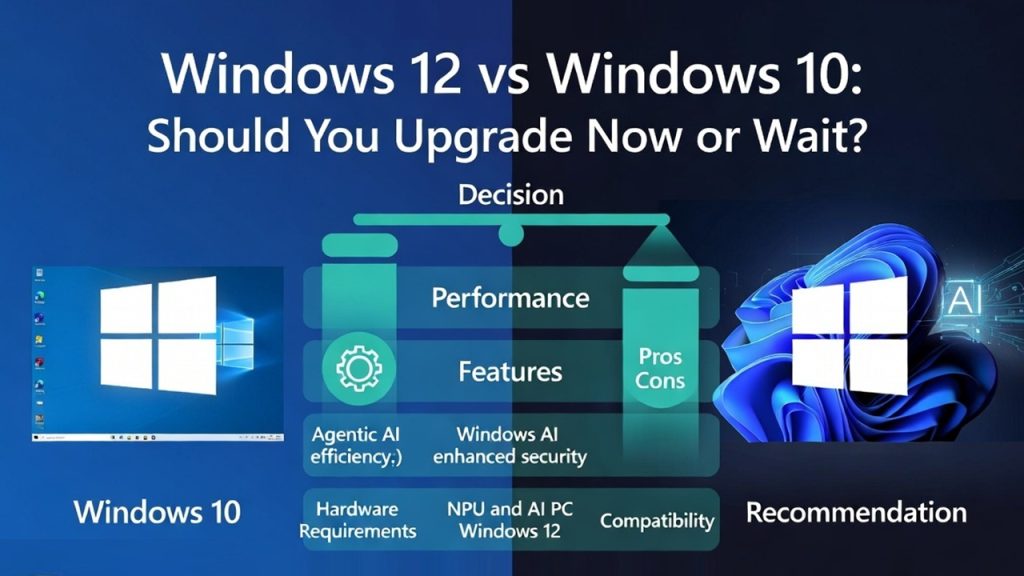
Windows 10 officially reached its end of mainstream support on October 14, 2025. Since then, Microsoft has stopped delivering free feature updates, technical support, and routine security updates through normal Windows Update channels for most Windows 10 devices.
Here’s the part that changed recently and matters a lot for your decision: Microsoft had originally set the free consumer Extended Security Updates (ESU) program to expire on October 13, 2026, giving Windows 10 users about one extra year of security patches after mainstream support ended. In late June 2026, without a big formal announcement, Microsoft quietly extended that free consumer ESU coverage by an additional year, through October 12, 2027. This appeared as an editor’s note on Microsoft’s own Windows Experience Blog and in updated ESU documentation, and Microsoft confirmed the change directly in a statement explaining that moving to a new PC takes time and it wants to help customers stay secure during that transition.
If you’re already enrolled in ESU, this extension applies automatically, no action needed. If you haven’t enrolled yet, you can do so anytime before the new October 2027 deadline through Settings, Windows Update, and the ESU enrollment option, and it’s genuinely free if you’re signed into a Microsoft account with Windows Backup enabled, or available for 1,000 Microsoft Rewards points, or a one-time $30 fee otherwise. One license covers up to 10 devices.
Why this changes the calculus
A lot of existing “should I upgrade” content was written assuming Windows 10 users had until October 2026 before losing security coverage entirely. That’s no longer accurate. You now have until October 2027, which is roughly the same timeframe most credible reporting points to for when a next-generation Windows release might actually arrive, if it happens at all. In other words, the runway Microsoft just gave Windows 10 holdouts lines up almost exactly with the most optimistic Windows 12 timeline, which genuinely changes whether “just wait” is a reasonable strategy.
So should you upgrade now, or wait?
Here’s how to think through it honestly, based on your actual situation rather than a one-size-fits-all answer.
If your PC can run Windows 11 and you don’t have a strong reason to delay: Upgrade now. Windows 11 is free for licensed Windows 10 users, actively developed, and getting real, well-received improvements throughout 2026, including a movable taskbar, more granular update pause controls, and a Low Latency CPU profile that noticeably speeds up app launches, none of which require Copilot+ hardware or any AI subscription. There’s no upside to running an OS past its support window when a free, actively maintained option is sitting right there.
If your PC can’t run Windows 11 and you’re not ready to replace it: Enroll in the free (or low-cost) consumer ESU program now. This buys you security coverage through October 2027, which comfortably covers you through the most likely window for any next-generation Windows announcement, without leaving your device exposed in the meantime. Just understand ESU only covers critical and important security fixes, not new features, general bug fixes, or technical support, so it’s a bridge, not a long-term living arrangement.
If you’re specifically holding out hoping to skip straight to Windows 12: This is the one scenario worth reconsidering. Microsoft has directly stated that near-term announcements don’t include a new OS version, and even under optimistic estimates, a next-generation release is unlikely before 2027. Waiting on Windows 10 with no ESU coverage in the meantime, hoping to leapfrog straight to an unconfirmed product, leaves you exposed for a real stretch of time chasing something with no confirmed date. For the fullest current picture, see our Windows 12 release date and status tracker.
What actually happens if you just… don’t do anything
Your Windows 10 PC won’t stop working the day support ends, and it didn’t stop working in October 2025 either. That’s exactly what makes this situation easy to misjudge. What changes is your risk exposure: without ESU enrollment, you stop receiving patches for newly discovered vulnerabilities, which means any new security flaw found after your support window closes stays open on your device indefinitely. That risk compounds over time rather than announcing itself with an obvious problem, which is why “it still works fine” isn’t actually a signal that it’s still safe to use for anything sensitive, like banking or storing personal information.
Checking if your PC can even run Windows 11
Before deciding between upgrading now or riding out ESU, it’s worth confirming which category you’re actually in. Windows 11 requires a 64-bit processor with two or more cores, TPM 2.0 enabled, UEFI Secure Boot support, 4GB of RAM, and 64GB of storage. Microsoft’s PC Health Check app will tell you directly whether your specific machine qualifies, and if it falls short specifically on TPM or Secure Boot, those are often features sitting dormant in your BIOS/UEFI settings that just need to be switched on, rather than a hardware limitation.
If you’ve confirmed your PC qualifies, our full walkthrough on downloading the official Windows 11 ISO from Microsoft covers exactly how to get the file safely and verify it hasn’t been tampered with.
What about buying new hardware instead?
If your Windows 10 PC is genuinely aging and you’re due for a hardware refresh anyway, that’s a separate, simpler decision from the Windows 12 waiting game specifically. Buying a new Windows 11 PC now, ideally one that meets the Copilot+ PC tier (40 TOPS NPU, 16GB RAM, 256GB SSD), gets you a modern, fully supported machine today, with a reasonable hedge against whatever a next-generation release eventually requires. We break down that hardware reasoning in detail in Windows 12 System Requirements: What We Can Predict from Windows 11.
The bottom line
You’re not actually choosing between “Windows 10 forever” and “wait indefinitely for Windows 12.” The real choice is between upgrading to Windows 11 now (free, supported, actively improving) or enrolling in ESU to buy secure time through October 2027 while you plan your next move on your own schedule. Either path is reasonable depending on your hardware and circumstances. What doesn’t hold up well under scrutiny is running an unsupported, unpatched Windows 10 PC while waiting on a product Microsoft hasn’t even confirmed exists yet. For the full comparison between what Windows 11 actually offers today versus what’s genuinely rumored for Windows 12, see Windows 12 vs Windows 11: Full Feature Comparison.
Things people usually ask at this point
Is the Windows 10 ESU extension actually confirmed by Microsoft? Yes. Microsoft updated its own Windows 10 ESU documentation and issued an editor’s note on its Windows Experience Blog in late June 2026 confirming free consumer ESU coverage now runs through October 12, 2027, and provided a direct statement explaining the extension.
Do I need to do anything if I’m already enrolled in ESU? No. Existing enrollment automatically continues through the new October 2027 date without any action needed.
Is it worth waiting for Windows 12 instead of upgrading to Windows 11? Not as a primary strategy. There’s no confirmed Windows 12 release date, and Microsoft has stated near-term plans don’t include a new OS version. Enrolling in ESU while planning your own upgrade timeline is a more reliable approach than waiting on an unconfirmed product.
What’s the actual cost of Windows 10 ESU for a home user? Free if you’re signed into a Microsoft account with Windows Backup/PC settings sync enabled, or you can redeem 1,000 Microsoft Rewards points, or pay a one-time $30 fee. One license covers up to 10 devices.